A LITTLE MORE CONTEXT
The reading room
Practical articles for the questions around a watch: how it fits, what powers it and which apps make sense for your routine.
15 articlesBrowse this collection
-
Article
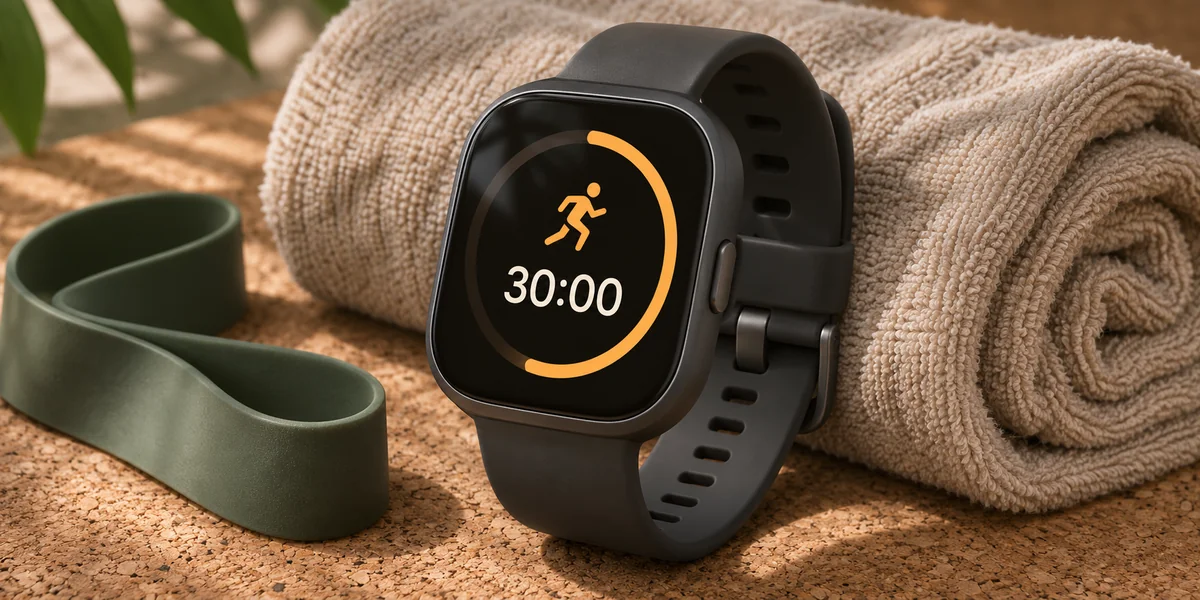
Workout apps for beginners: choose guidance or recording
A workout library and an activity recorder solve different problems. Choose the help you need before adding subscriptions, permissions or another training dashboard.
Read the article -
Article
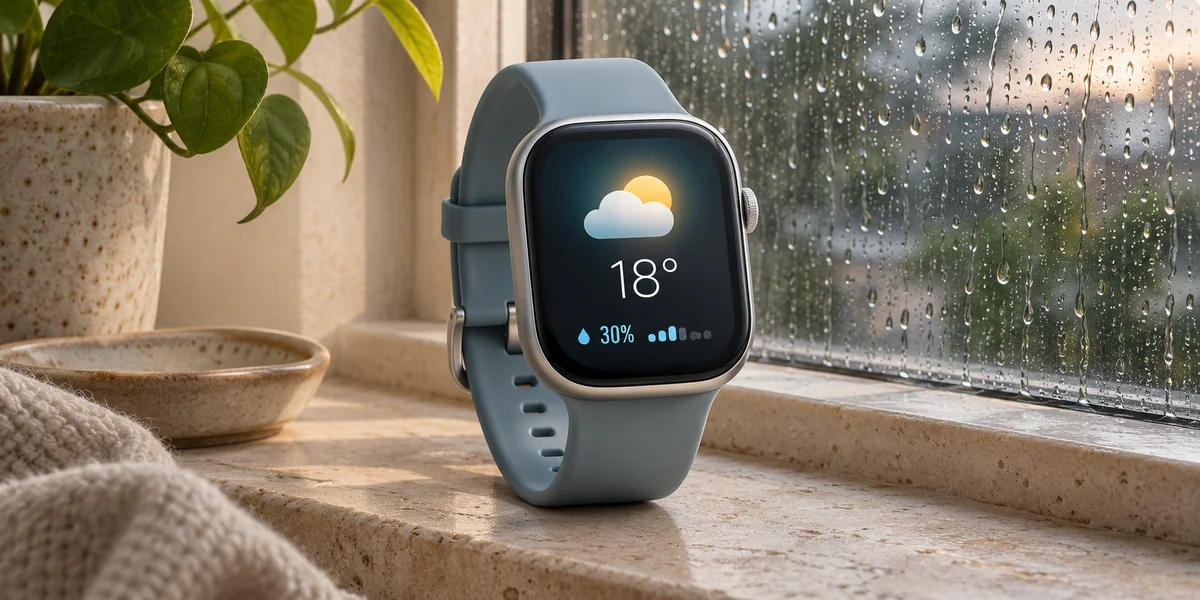
Apple Watch weather apps: forecasts, alerts and useful complications
Start with the forecast detail you need: temperature, rain, wind or an alert. A crowded watch face does not make the underlying forecast more reliable.
Read the article -
Article
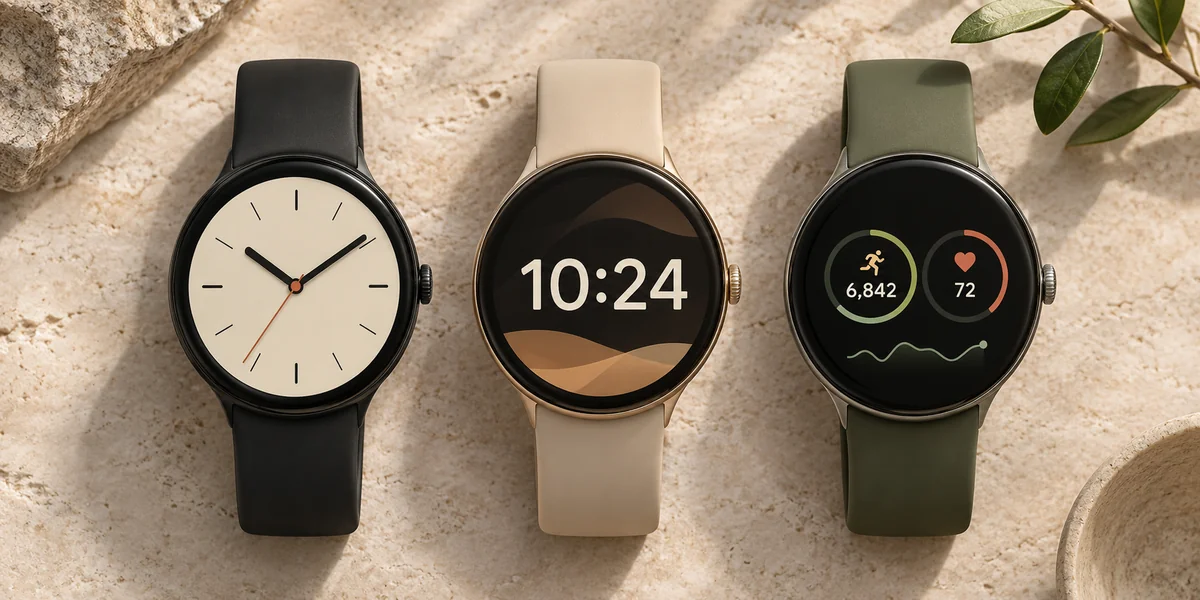
Wear OS watch faces: five layouts worth comparing
Five useful watch-face approaches, selected by what you need to see. Compatibility and readable complications matter more than a promotional screenshot.
Read the article -
Article
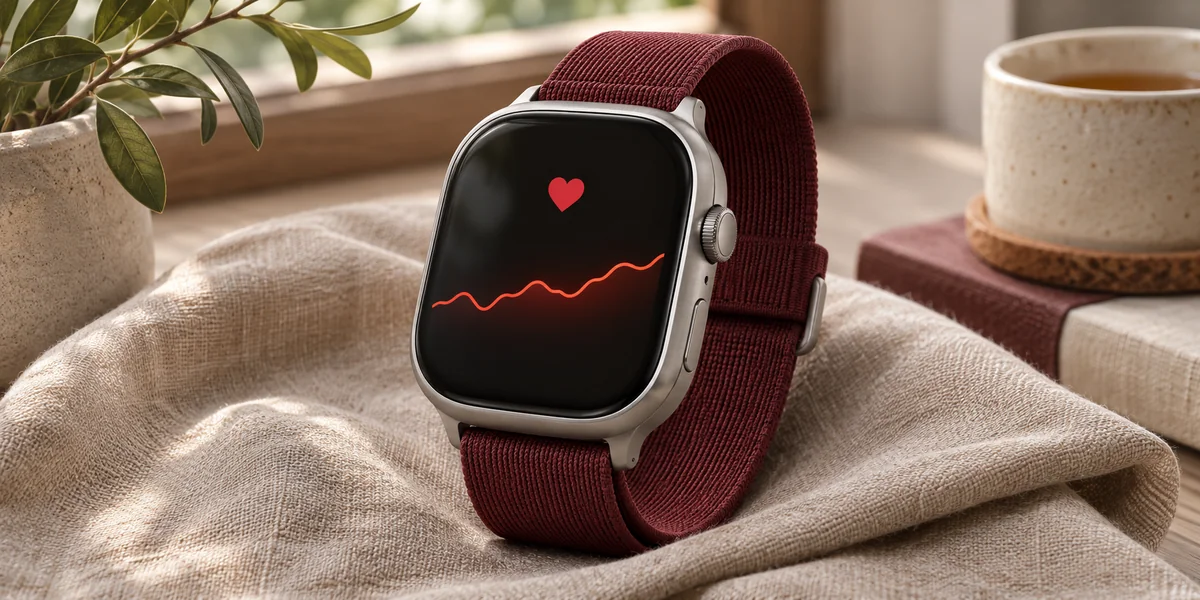
Apple Watch heart-rate apps: readings, trends and limits
Heart-rate apps can organize watch data in different ways. They do not turn the watch into a universal medical monitor or make every reading clinically meaningful.
Read the article -
Article
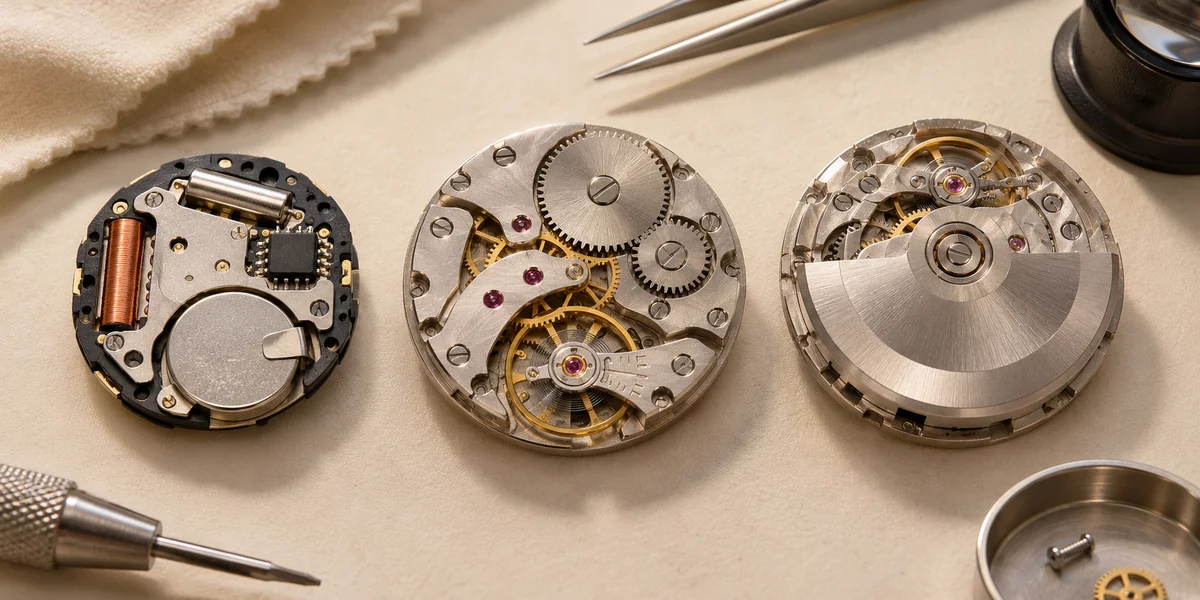
Watch movements explained: quartz, manual and automatic
The movement determines how a watch keeps time and how you care for it. Choose the ownership routine you want before treating one mechanism as universally better.
Read the article -
Article
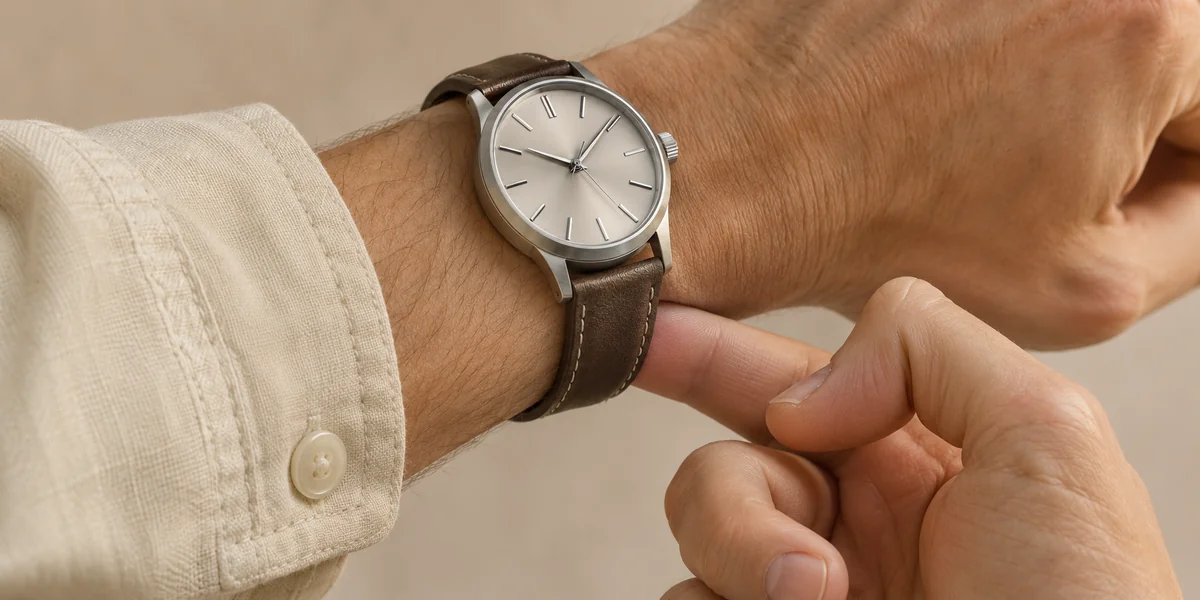
How tight should a watch be? Fit, straps and sensor contact
A watch should stay where you need it without pinching or restricting comfortable movement. There is no universal finger-count rule for every case, strap and wrist.
Read the article -
Article
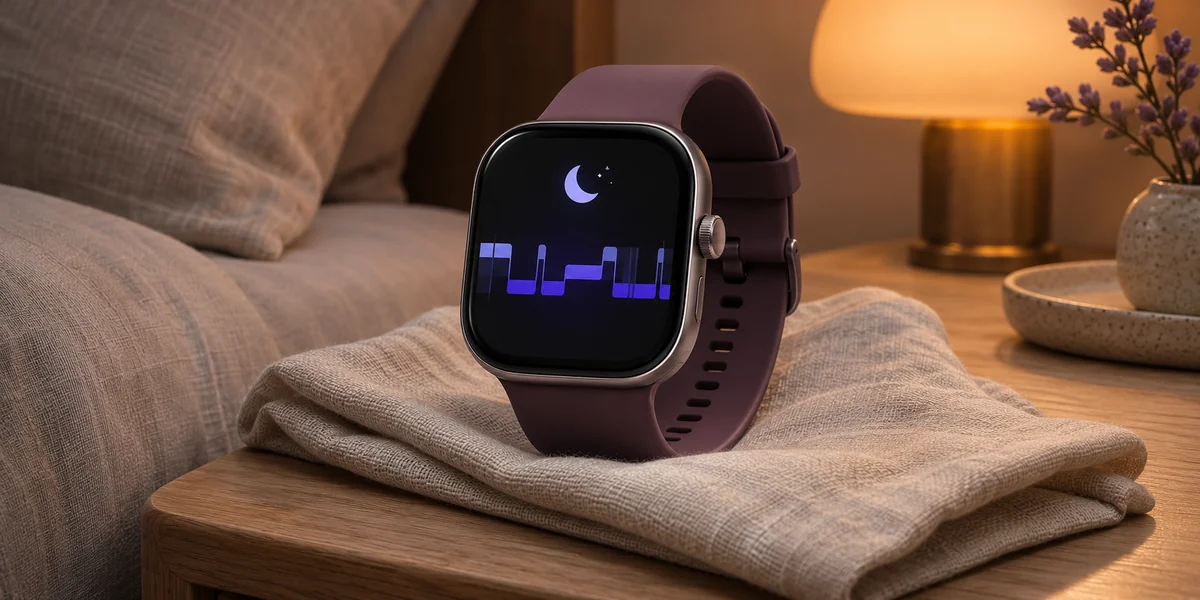
Apple Watch sleep tracking: built-in Sleep and AutoSleep
Start with the sleep information already available on your watch. Add another app only if its presentation or controls answer a question the built-in view does not.
Read the article -
Article
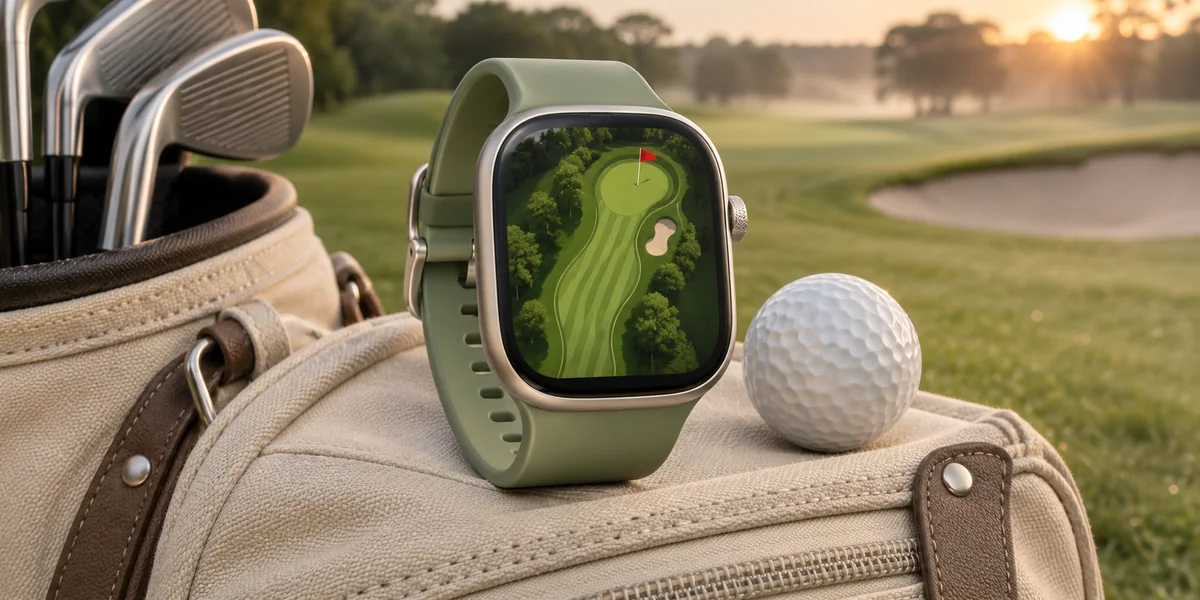
Apple Watch golf GPS apps: Hole19, Golfshot and Golf Pad
Compare three golf-app approaches by the information you want on your wrist. Course coverage, phone dependence and paid features matter more than a long list of advertised tools.
Read the article -
Article
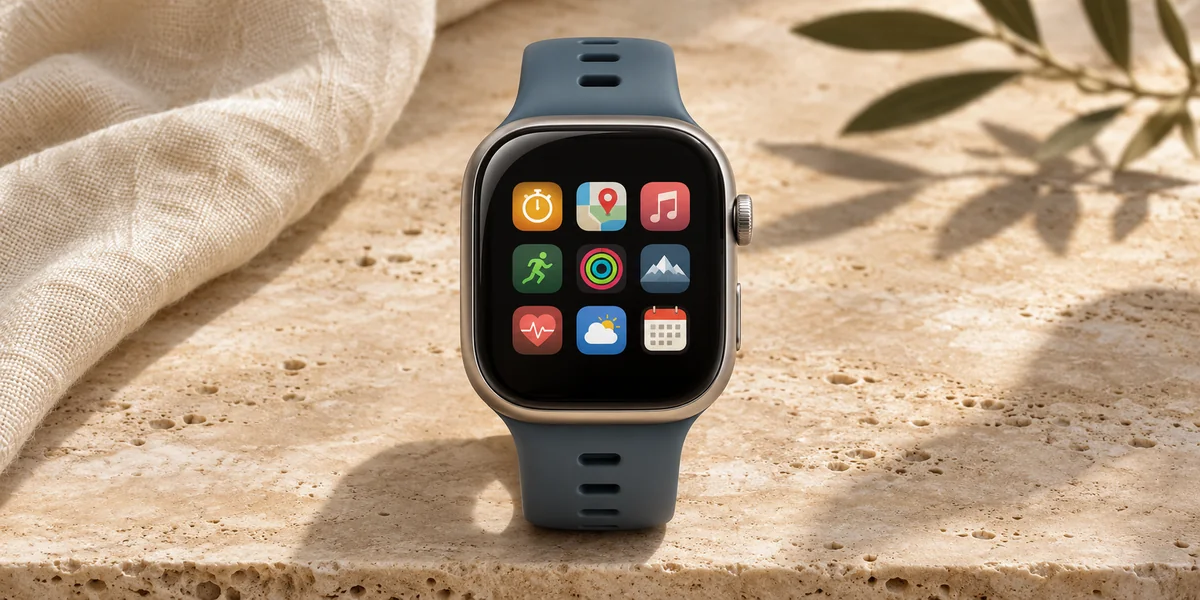
Useful Apple Watch apps: choose by the task
Start with a small set of apps that solve repeated tasks. These research-based choices cover exercise, weather, sleep, running and short breaks without claiming a universal winner.
Read the article -
Article
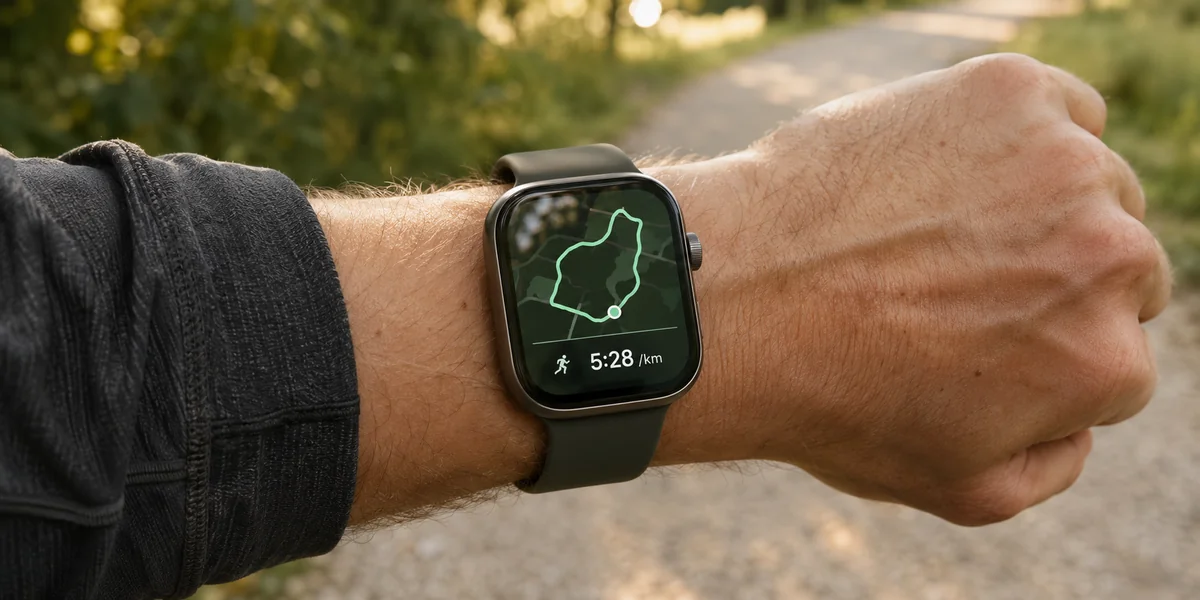
Apple Watch running apps: recording, guidance and routes
Apple Workout, Nike Run Club, Strava and WorkOutDoors take different approaches. Start with the run you repeat and the information you want during it.
Read the article -
Article
Galaxy Watch faces: choose a readable daily layout
Choose a Galaxy Watch face around the information you check most. The available designs and customization options depend on the model and software.
Read the article -
Article
Apple Watch games: small-screen strategy and interactive stories
Watch games work best when their controls and session length suit the wrist. Compare a compact strategy game with two interactive stories rather than expecting a phone-sized gaming experience.
Read the article -
Article
Galaxy Watch apps: practical choices for Wear OS
On a Wear OS Galaxy Watch, start with the everyday tasks that benefit from wrist access. Older Tizen watches require a separate compatibility check.
Read the article -
Article
Four Apple Watch cycling apps: recording, routes and ride data
Apple Workout, Strava, WorkOutDoors and Cyclemeter offer different reasons to record from the wrist. Compare sensor support and route needs before choosing an app.
Read the article -
Article
Apple Watch faces: five useful starting points
Apple’s built-in face gallery offers different balances of information and appearance. Choose a face for your routine, then check its available complications on your model.
Read the article
No matching guides.
Try a shorter phrase or a different collection, or reset to browse the full list.
Card images are AI-created concepts. Exact products appear in the buying guides.
BEFORE YOU CHOOSE
Make the details useful.
Understand the ownership routine
The movement affects charging, winding and servicing. The strap and case affect how the watch sits through the day. These articles explain useful distinctions so a specification becomes something you can assess in everyday use.
Use app claims carefully
A list of features is only a starting point. Check compatibility, data permissions and current purchase terms. A consumer health reading is not automatically a medical conclusion, and an attractive watch face does not improve the underlying data source.
USEFUL DETAILS
Common questions.
What is in the reading room?
All fifteen planned articles on fit, watch movements, apps and watch faces are collected below.
Where are the product comparisons?
Use the watch guide directory for the affiliate buying guides.
Which article explains quartz and automatic watches?
Read the watch movement guide.
How can I check whether my watch fits?
The watch fit article discusses placement and everyday comfort.
Are these personal app tests?
The current articles are research-based and identify that limitation. They do not claim hands-on testing.
How should I use an older app recommendation?
Recheck the current developer listing, supported devices and terms. App features and availability can change.