01 / A closer look
Tiny Armies: compact strategy
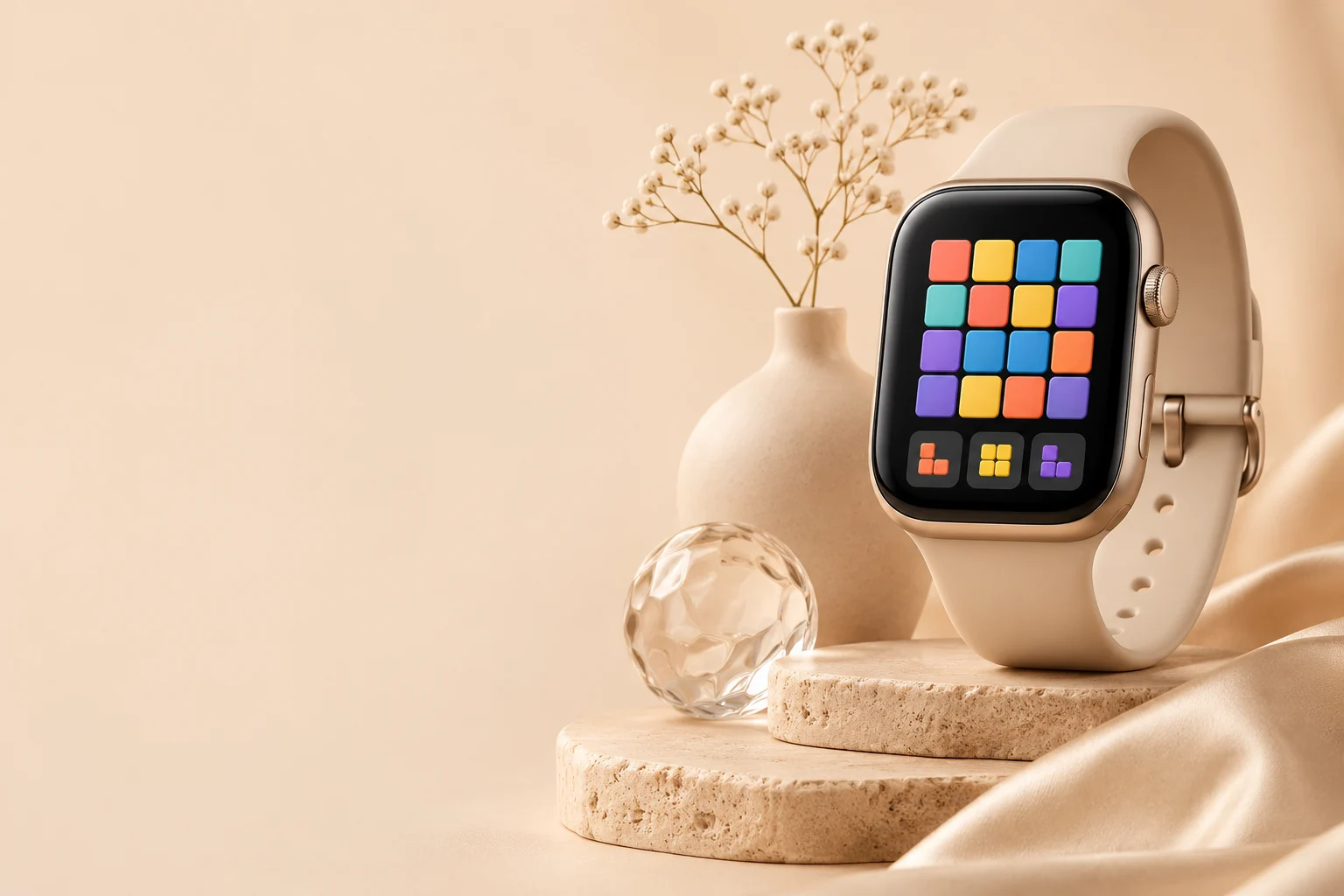
Tiny Armies uses a small grid and swiping to move units through its tactical encounters. The developer lists Apple Watch support and short-session play. It is the most visually game-like option in this shortlist. Before buying, consider whether the tiny board and gestures will be comfortable on your watch size. A small purchase price does not make an awkward interface enjoyable.
02 / A closer look
Lifeline: a story through messages
The original Lifeline presents a branching survival story in which the player responds to a stranded character. Its watch role suits brief decisions and messages rather than continuous action. Think about whether you want a story interrupting your day, then adjust notifications accordingly. The pace is part of the format, so it is a different choice from a puzzle you finish in one sitting.
03 / A closer look
Lifeline: Beside You in Time
This later Lifeline installment offers another branching story with the returning character and a time-related premise. Choose it for the narrative rather than assuming that a newer title has better watch controls. Read the current listing and content information, particularly if buying for a child or someone who dislikes suspenseful stories.
04 / A closer look
Check the current device listing
Look for Apple Watch in the supported-device list and read the minimum software requirements. A game may also advertise iPhone or iPad features that differ from the wrist version. Check whether installation, saved progress or companion features require a phone. Do not infer offline behavior from the small size of the game.
05 / A closer look
Keep play optional
Disable unnecessary interruptions and use games when you can safely give them attention. Battery use and comfort matter more than collecting a large library. Start with one game whose format appeals to you, then keep it only if the wrist version is genuinely convenient for your routine.
06 / A closer look
Choose a format suited to the wrist
A tiny strategy grid and a message-driven story use the watch differently. Try to imagine when you will have enough attention for each. A short puzzle may fit a pause in the day; an interactive story can arrive through notifications over time. Read the current App Store description and screenshots for the watch version, not only the iPhone version. Check age and content information if choosing for someone else.
07 / A closer look
Confirm compatibility and purchase terms
Apple's watch app guide explains installation routes, but each game's listing determines the supported devices and software. Note whether the watch game needs a paired phone, network access or a separate purchase. A low one-time price may suit a brief experience, while an ongoing plan deserves more scrutiny. Store listings can change, so confirm details immediately before paying.
08 / A closer look
Test controls and interruption
The small screen makes gesture size, contrast and text length important. If possible, start with a game you can return or sample under the store's current terms. Adjust notification settings so a story does not interrupt work, driving or sleep. Check whether progress resumes cleanly after a break. A game can be technically compatible yet frustrating if every decision requires several precise taps.
09 / A closer look
Keep play safe and optional
Use the watch game when you can give it attention without losing awareness of your surroundings. Do not play while crossing roads or doing tasks that need both hands. Review battery impact over normal use rather than one minute of play. If a game is more enjoyable on a phone, there is no need to keep its wrist component installed. The useful test is whether the watch format adds convenience or a distinct experience.