01 / A closer look
Start with the watch in the right place
Place a smartwatch where its maker specifies before adjusting the strap. Apple’s wearing guidance recommends a snug but comfortable fit above the wrist bone, toward the elbow, so the back of the watch can contact skin. Samsung’s Galaxy Watch guidance similarly describes direct sensor contact and a position above the wrist bone. These are device instructions, not a universal rule for a mechanical or quartz watch without wrist sensors. For a conventional watch, place the case where the crown does not dig into your hand when you bend your wrist. Look at the watch from the side: the case should sit flat enough for ordinary wear, but the strap should not have to pull an oversized case painfully against the wrist. If the case hangs over both sides of your wrist, a different case shape or size may solve more than a tighter strap.
02 / A closer look
Use movement to test the adjustment
Fasten the watch at a comfortable setting, then lower your arm, raise it, type, walk and bend your wrist. A case that repeatedly rotates to the underside of your arm or drops onto your hand is likely too loose for the way you intend to use it. A case that remains fixed only when you feel pressure, tingling or pain is too tight. Try the next available hole or clasp position rather than forcing an uncomfortable setting. A loose bracelet can sometimes be adjusted with a half link or a micro-adjust clasp; a leather strap may need another hole, but adding one carelessly can weaken it. Some wrists sit between the available positions on a particular band. In that case, a different strap with finer adjustment is a reasonable solution. Do not treat the number of fingers you can slide beneath the band as a measurement standard: strap elasticity, thickness and wrist shape change what that test means.
03 / A closer look
Adjust for the activity, then loosen again
Optical sensors need contact to collect a signal. Apple says you may want a firmer fit during workouts and a looser fit afterward; that does not mean painfully tight. A brisk run, a desk day and an evening meal can call for different settings. If you switch to a textile loop or adjustable sport band for exercise, set it so the case does not bounce while you move. Recheck after the first minutes rather than preemptively cinching it down as far as it will go. Consumer wrist readings can still vary with motion and other factors; tightening beyond comfort does not turn a smartwatch into a clinical instrument. If a measurement matters to a health decision, use the method your clinician recommends. A conventional dress watch may need no workout adjustment at all, but its clasp should remain secure and its crown should not press into your hand during regular movement.
04 / A closer look
Choose a strap that can actually fit
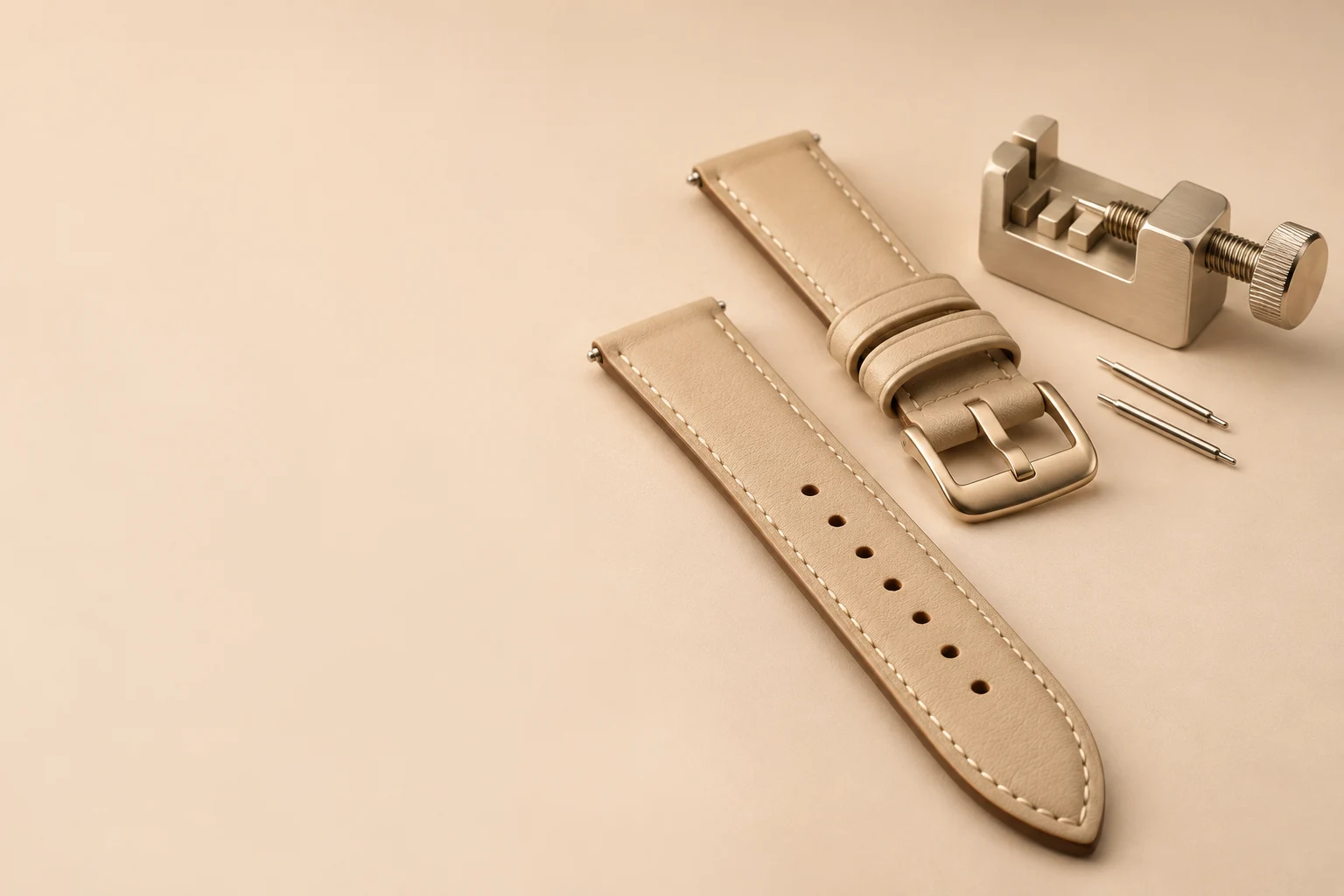
Before buying a replacement, check the watch’s attachment system, case size and the strap’s stated wrist range. Apple’s band-change instructions explain that compatibility depends on case size and connector group, not just how similar two bands look in a photograph. Standard spring-bar watches also need the correct lug width and secure pins. A strap that happens to slide through the lugs is not necessarily safe if its spring bars are too short or the buckle is loose. Material changes the feel: a metal bracelet has relatively fixed links and clasp settings; a soft textile loop offers finer adjustment; leather may flex differently as it wears. The material should suit the activity too. A strap intended for dry, occasional wear may be a poor choice for swimming or sweaty exercise. Keep removed bracelet links so you can resize later, and ask a watchmaker or retailer for help if the pins or clasp are unfamiliar.
05 / A closer look
Keep the skin and the band clean
Sweat, soap, sunscreen and trapped moisture can make an otherwise comfortable watch irritating. Apple’s cleaning advice recommends keeping both band and skin clean and dry and following the material-specific care instructions. Samsung’s cleaning guidance also emphasizes drying after exercise and avoiding harsh cleaning products. Remove the watch when cleaning the band so you can reach both sides without soaking a part the manufacturer says to keep dry. Do not assume a leather band, a metal mesh band and a silicone sport band should be cleaned the same way. Read the instructions for the exact material. If the skin stays irritated, stop wearing the watch and seek appropriate medical advice, especially if symptoms persist or worsen. Repeatedly tightening the band to improve a sensor reading can make irritation worse.
06 / A closer look
Separate fit from sensor certainty
A stable, comfortable fit removes one common cause of poor optical readings; it does not guarantee a result. If the watch reports an implausible heart rate during exercise, first confirm it is in the maker’s recommended position and the back is clean. Check whether the band has loosened as you move. Then follow the device’s troubleshooting instructions for that feature. Avoid treating an isolated number as a diagnosis. The same principle applies to sleep tracking: the watch has to stay on and maintain contact, but a band that disrupts sleep is not useful. Consider whether a softer strap or a different adjustment works overnight. If a device continues to miss readings despite correct wear, review its compatibility, settings and support options before buying another band on the assumption that more pressure will fix it.
07 / A closer look
Check the fit before ordering a new watch
Online measurements are useful starting points, but case diameter alone is not the whole fit. Lug-to-lug length, thickness, curved or flat case back, crown position and the supplied strap all affect wear. Compare the full dimensions with a watch you already wear comfortably. Confirm the band’s wrist range and the return terms before purchasing. If you can try the watch in a shop, fasten it at the likely setting and move your wrist as you would during the day. If the case digs into the hand or the strap has no comfortable adjustment, do not assume it will settle after a week. Our Apple Watch band guide and watch strap guide can help narrow the attachment and material choices, but the exact watch model and fit remain the deciding details.