01 / A closer look
Hole19: distances and scoring
Hole19 provides a wrist interface for distances and scoring. Its current setup guidance says the iPhone is needed when starting and saving a round, even though the watch GPS can be used during play. That makes it important to distinguish leaving a phone in the bag from leaving it at home. Confirm your course and the exact feature tier before the first tee.
02 / A closer look
Golfshot: automatic shot records
Golfshot emphasizes automatic shot tracking on supported Apple Watches. This is relevant if you want a record to review after playing rather than only a distance display. Check the model requirements, subscription and editing controls for the feature you want. Automatic detection is a convenience, not a promise that every stroke will be recognized correctly. Review the round before treating the record as complete.
03 / A closer look
Golf Pad: wrist maps and round tools
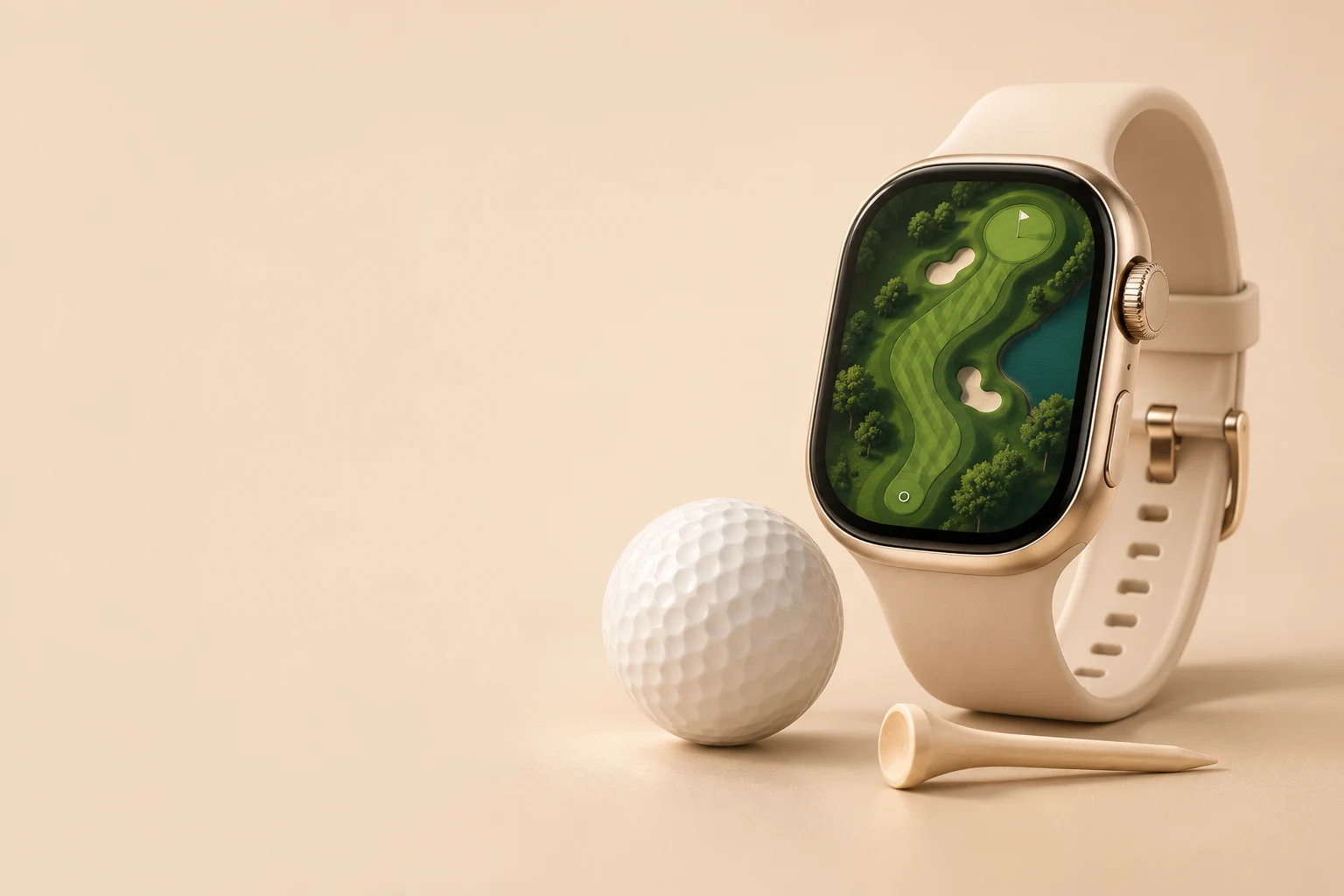
Golf Pad offers watch integration with course information, scoring and shot-related tools. Its support page identifies smartwatch synchronization as a Premium feature. Compare the watch interface with the phone interface rather than assuming the same map controls are available everywhere. Verify course support and how the selected setup uses phone and watch GPS.
04 / A closer look
Prepare before arriving
Install and sign in while you have a reliable connection. Check permissions, download or load the course as required, and start a short practice round so the controls are familiar. Charge the watch with room for a longer-than-expected round. Do not discover an expired trial or missing course while others are waiting to play.
05 / A closer look
Use the information appropriately
GPS distances are estimates and may differ from course markers or a separate rangefinder. Confirm the relevant competition rules before using features such as adjusted distances. Choose the app that gives you useful information with the least interruption, and keep score review separate from promises of better play.
06 / A closer look
Choose the course information you need
Decide whether your main need is a distance to the green, hole layout, scorecard or shot tracking. A simple yardage view may be easier to use mid-round than a dense map. Check the developer's current course coverage for the courses you actually play and whether their maps have recent updates. The watch can present a quick reference, but you should know how to navigate to a full hole view when the course has hazards or an unusual green shape.
07 / A closer look
Separate the watch and phone features
An app may advertise extensive phone planning while the watch offers a shorter set of functions. Read the current listing for your watch model, software version and plan tier. Check whether GPS is taken from the watch or paired phone and whether the app can be used when the phone is not carried. Try setup before a round, not on the first tee. A free download may require payment for maps, scoring history or particular watch controls.
08 / A closer look
Test distance and interaction on course
Use a familiar hole to see whether the displayed position updates as you move. Check units, front-middle-back labels and battery impact over a normal round. GPS estimates can vary with signal and the course mapping; do not treat one device's number as a surveyed measurement. Make sure buttons and touch targets are practical with gloves or wet hands. Use the phone or a paper card if the wrist interface slows play.
09 / A closer look
Review rules and data handling
Before competition, check the event's current rules for permitted distance-measuring devices and disabled features. Do not assume every app setting is allowed. If you store scores, shot locations or account information, read the developer's privacy and export options. Keep one reliable fallback for poor connection or battery. The best app is the one that answers your course question quickly under the conditions you actually play.