01 / A closer look
Apple Heart Rate: begin with the source
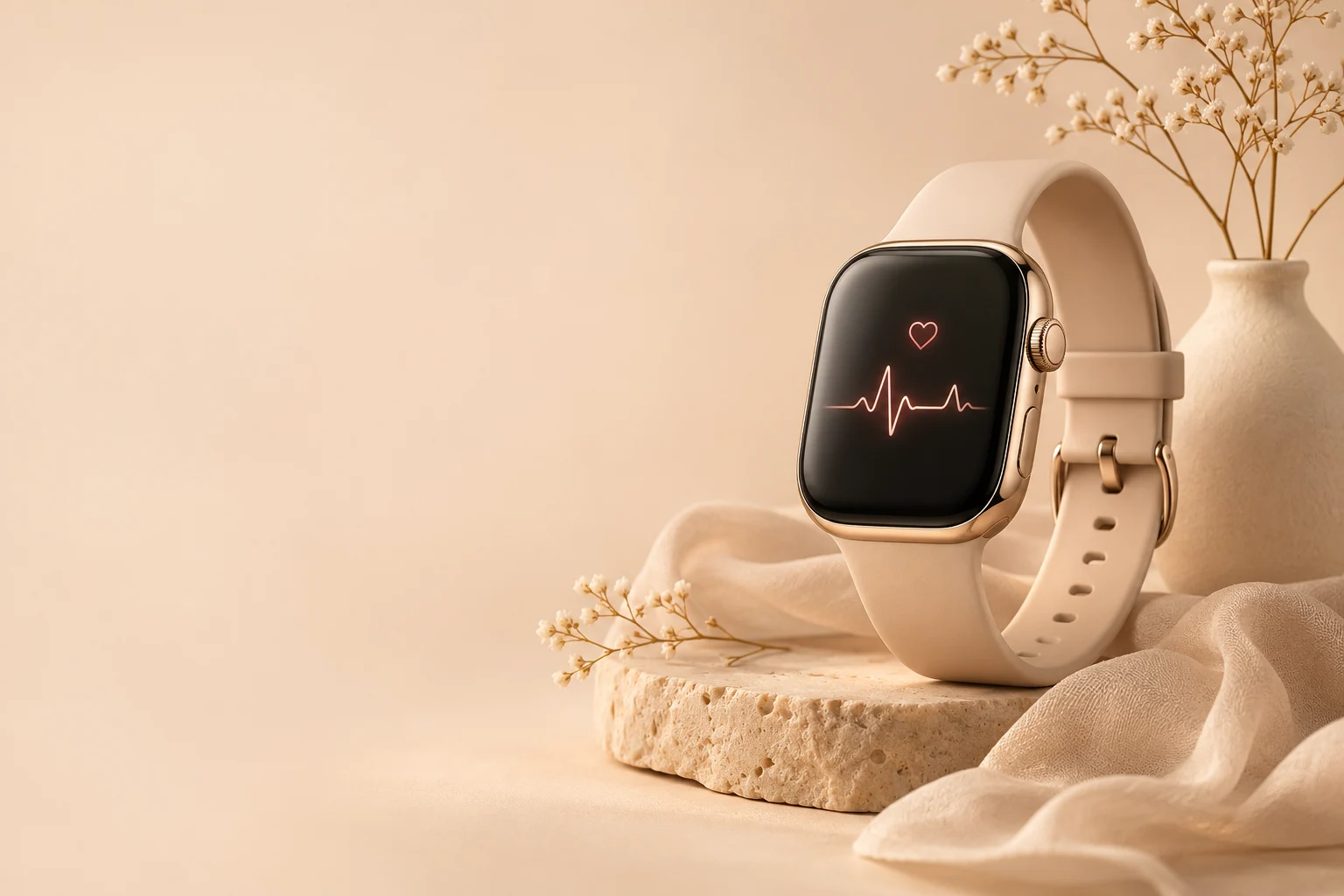
The built-in Heart Rate app is the starting point for viewing the watch’s readings. Learn which information comes from background sampling and which comes from a workout. A single value has less context than a record that includes the activity and time. Do not assume the display updates continuously in every operating mode.
02 / A closer look
HeartWatch: a different presentation
HeartWatch offers another way to review recorded heart information. Its current support guidance makes the distinction between the iPhone app and the watch companion important, especially on older watches. Check that both devices meet the developer’s requirements before paying. Additional summaries do not create new sensor measurements or independently confirm a health condition.
03 / A closer look
Heart Analyzer: charts and reports
Heart Analyzer reads Apple Health information and presents charts, trends and reports. Its developer lists optional paid access for advanced features. This can be useful when the standard presentation does not answer a practical question about your existing records. Check the exact report or watch complication you want rather than assuming every advertised feature is included without payment.
04 / A closer look
Workout recording is a separate use case
During exercise, the useful question may be whether the number is legible alongside time and pace. A workout recorder can serve that purpose without adding a separate heart dashboard. Decide whether you want a live session display, a longer-term chart or a notification. These are distinct functions with different settings.
05 / A closer look
Keep the limits visible
Fit, movement and measurement conditions can affect readings. Consumer apps and summary scores are not a diagnosis, and installing several apps does not provide several independent sensors. For a health concern, discuss the situation with a qualified clinician rather than using an app comparison to interpret symptoms. Review the app’s data access and sharing terms before exporting a report.
06 / A closer look
Identify the question before opening a chart
Decide whether you want to view a recent reading, examine a trend recorded over time or share a history with a clinician. Those tasks may use the same underlying measurements but need different displays. Apple's Heart Rate guide explains how the watch presents readings. Record the activity, time and whether the watch was worn correctly when a value seems unusual. A chart without that context can invite an unsupported interpretation.
07 / A closer look
Check what another app actually adds
Read whether a candidate app measures new data or reorganizes records already held in Apple Health. Most comparison value comes from presentation, filters or alerts rather than a new sensor. Check the developer's current watch and iPhone compatibility, the paid tier and whether a requested permission is necessary. Apple's Health data access controls let you review sharing. Export only the information you intend to share and understand where it will go.
08 / A closer look
Interpret gaps and variation cautiously
A watch may sample differently during a workout and at rest. Motion, fit and other measurement conditions can affect the readings shown. Two apps may calculate summaries over different windows even when they draw from the same Health records. Compare definitions and underlying entries before deciding that one app is more accurate. Do not use a single number, a consumer trend graphic or an app-generated score as a diagnosis or as a reason to delay care.
09 / A closer look
Use the right route for a health concern
If symptoms or an unexpected reading concern you, seek qualified medical advice according to your circumstances. A watch app comparison cannot assess symptoms, confirm a condition or replace appropriate evaluation. Keep useful notes about timing and activity if a clinician asks for them. Avoid making medication or exercise changes solely from a third-party display. Revisit permissions periodically, especially after uninstalling an app, and keep the watch software and developer app updated through their supported channels.