01 / A closer look
Apple Weather: establish a baseline
Use the built-in Weather app as the starting point before paying for another service. Check that the location is the one you intend to view and that the forecast has refreshed. A saved city can be useful when planning travel, but it should not be confused with your current location. Decide which single forecast field deserves a place on the face.
02 / A closer look
CARROT Weather: customization with plan limits
CARROT offers a different presentation and configurable weather information. Its support documentation distinguishes features by subscription and region, including notification availability. The useful comparison is the feature you want on the watch, not the longest list advertised for the phone. Check the current membership requirements before treating a free download as a free watch setup.
03 / A closer look
Compare information, not personality
Pick one regular location and the same forecast horizon. Note whether you are looking at current conditions, a forecast hour or an alert. Those are different kinds of information. A service can display an appealing radar animation while the small complication shows only a temperature. Choose the view you can interpret quickly.
04 / A closer look
Set up a readable face
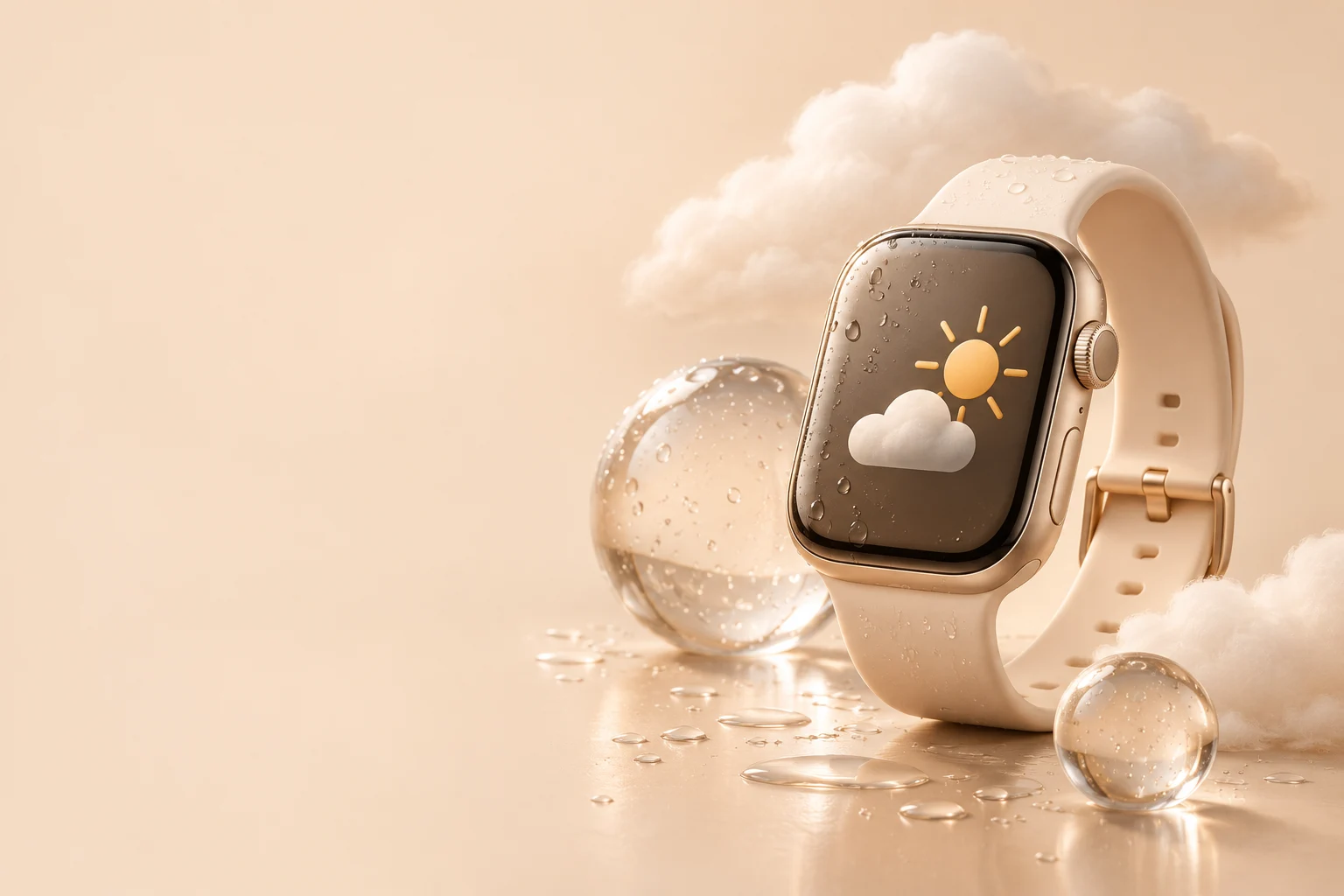
Use a high-contrast field for the detail you check most. If rain timing matters more than temperature, prioritize that field where the selected face permits it. Keep the full app easy to open for context. A small icon cannot communicate every uncertainty or warning, and background refresh may not be immediate.
05 / A closer look
Before an outdoor trip
Confirm location access, connection and battery before leaving. For consequential outdoor decisions, consult appropriate local forecasts and alerts in full rather than relying on a single watch complication. The watch is a convenient display, not a guarantee that changing conditions will always reach you.
06 / A closer look
Understand the source and update time
Before comparing forecast numbers, check which location each app is using and when the information refreshed. A saved city, current GPS position and nearest weather station can represent different places. Compare the same forecast hour, not one app's current temperature with another's afternoon prediction. Apple's Weather guide for Apple Watch explains the built-in views and alerts. For a second service, consult its own documentation for sources, regional coverage and any paid watch features.
07 / A closer look
Set a useful complication
A watch face has little room. Choose the one field that affects your decisions, such as temperature, precipitation or an alert indicator, and open the full app for context. Check whether the face refreshes as expected in your routine; complications are not continuous local sensors. If you travel, verify the displayed city before interpreting the icon. Test legibility outdoors and in dim light. A decorative forecast layout that requires squinting is less useful than a simple field you can read quickly.
08 / A closer look
Treat alerts as an additional channel
Review location and notification settings for each app and make a deliberate choice about which service may interrupt you. Two apps can repeat the same alert at different times. Availability and timing may depend on region, connection and developer plan. For severe weather, use the official forecast and alert service for your location and read the full advisory. A watch notification is convenient but may omit details, arrive late or be unseen when the watch is charging.
09 / A closer look
Review cost and privacy after a trial
Use a few ordinary days and one trip to compare clarity rather than judging from the first screen. Record whether the watch view answers your real question, how often it is stale and whether the phone app is required for setup. Check subscription renewal, location-data practices and whether a free tier contains the specific complication you want. Cancel a trial within its stated terms if the second app adds no useful information. Forecast accuracy cannot be established from one isolated day.