THE CONNECTED WRIST
Apps & watch faces
Find an app or watch face around one job: recording a run, checking the weather, following a route or seeing the time clearly. Verify support on your exact device.
13 articlesBrowse this collection
-
Article
Workout apps for beginners: choose guidance or recording
A workout library and an activity recorder solve different problems. Choose the help you need before adding subscriptions, permissions or another training dashboard.
Read the article -
Article
Apple Watch weather apps: forecasts, alerts and useful complications
Start with the forecast detail you need: temperature, rain, wind or an alert. A crowded watch face does not make the underlying forecast more reliable.
Read the article -
Article
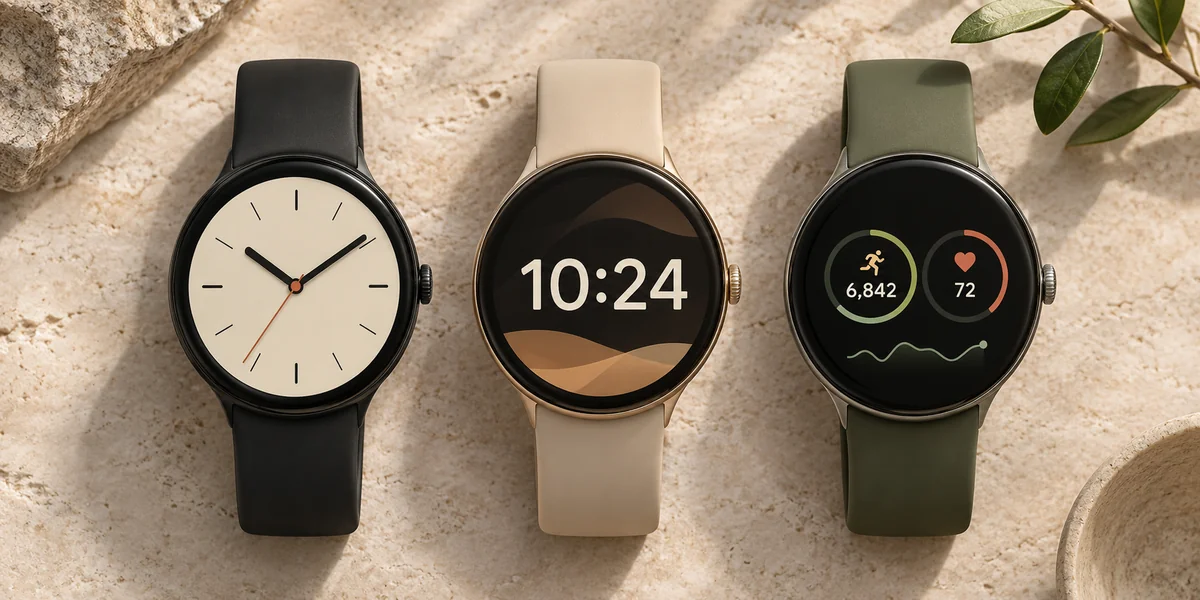
Wear OS watch faces: five layouts worth comparing
Five useful watch-face approaches, selected by what you need to see. Compatibility and readable complications matter more than a promotional screenshot.
Read the article -
Article
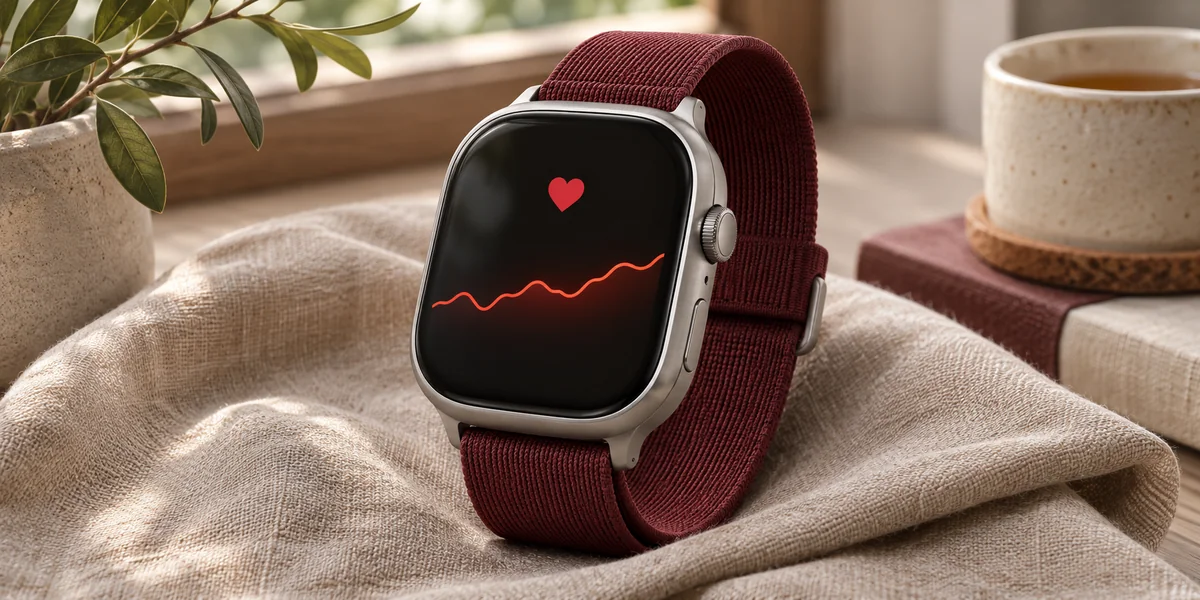
Apple Watch heart-rate apps: readings, trends and limits
Heart-rate apps can organize watch data in different ways. They do not turn the watch into a universal medical monitor or make every reading clinically meaningful.
Read the article -
Article
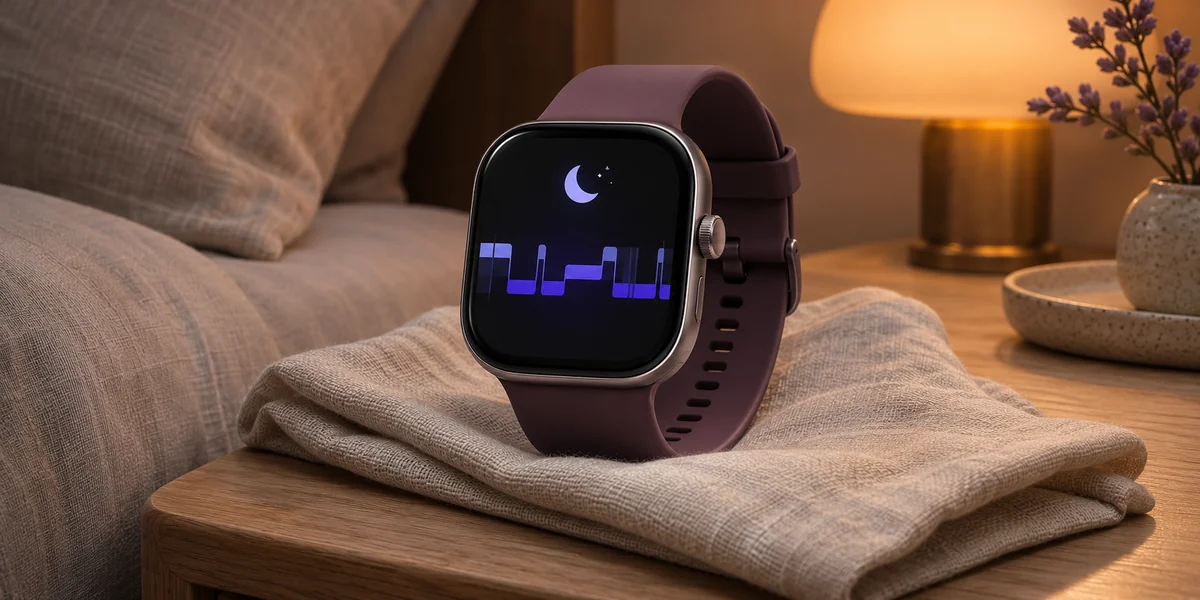
Apple Watch sleep tracking: built-in Sleep and AutoSleep
Start with the sleep information already available on your watch. Add another app only if its presentation or controls answer a question the built-in view does not.
Read the article -
Article
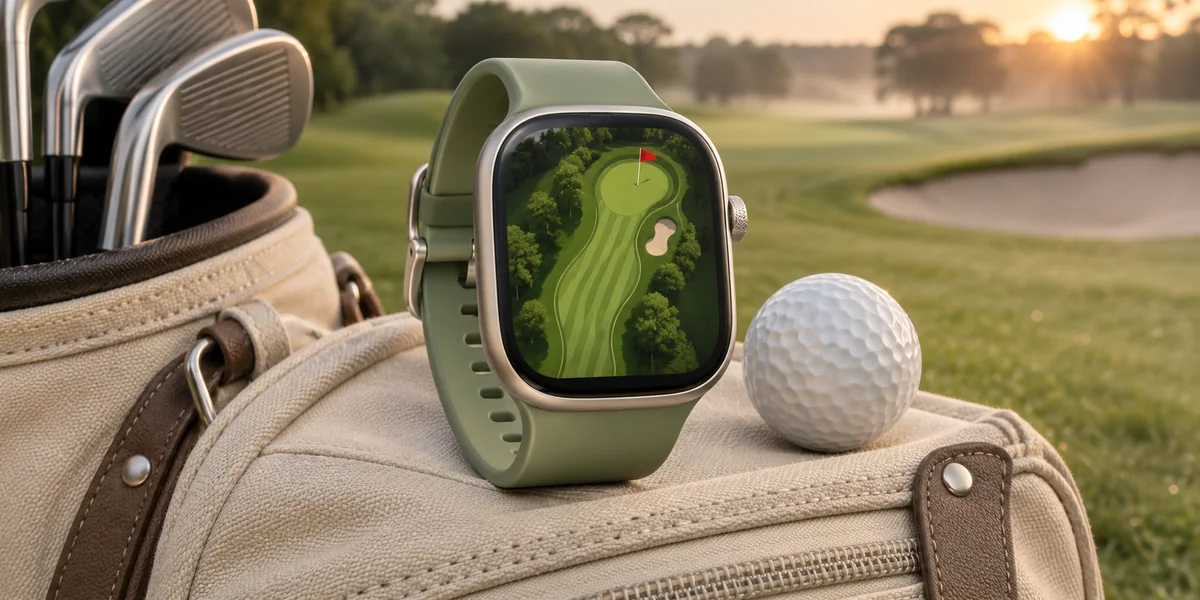
Apple Watch golf GPS apps: Hole19, Golfshot and Golf Pad
Compare three golf-app approaches by the information you want on your wrist. Course coverage, phone dependence and paid features matter more than a long list of advertised tools.
Read the article -
Article
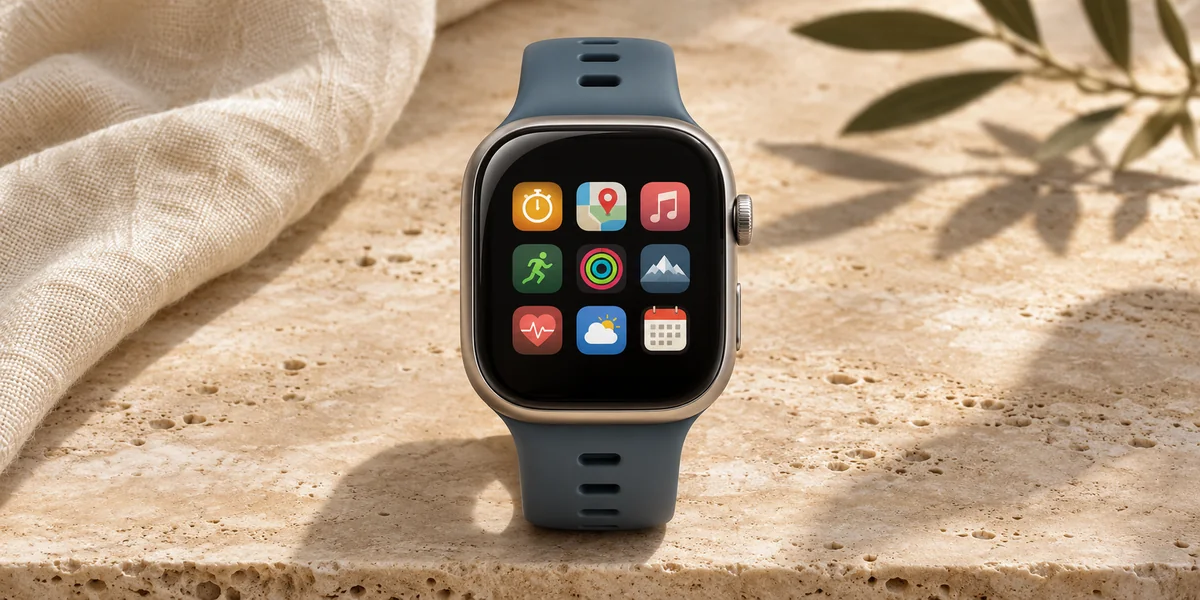
Useful Apple Watch apps: choose by the task
Start with a small set of apps that solve repeated tasks. These research-based choices cover exercise, weather, sleep, running and short breaks without claiming a universal winner.
Read the article -
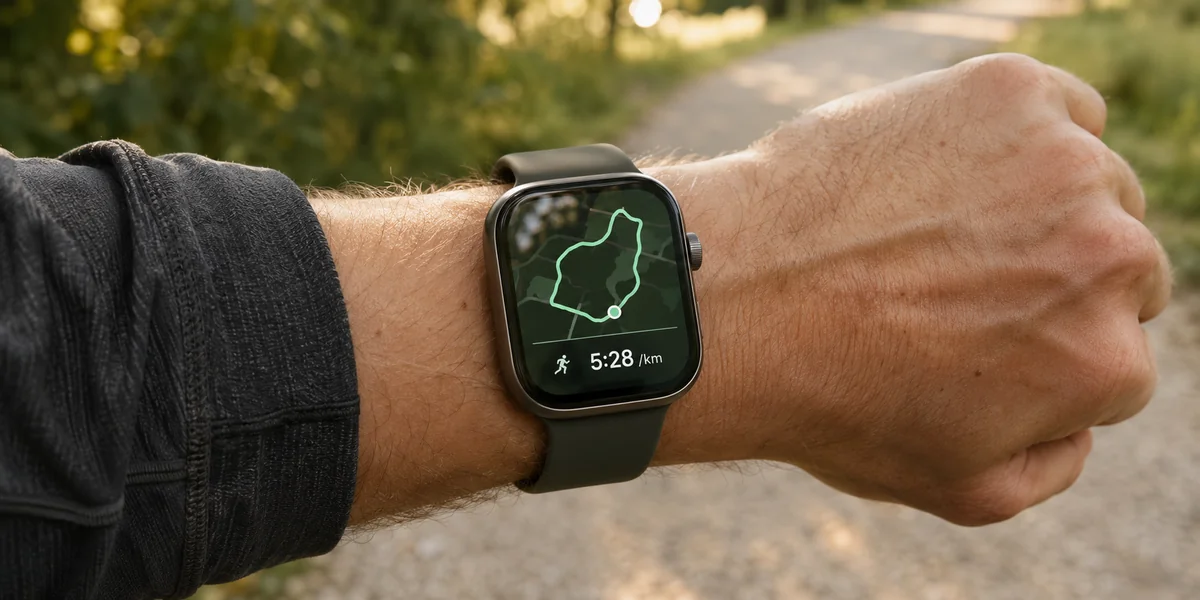
Article
Apple Watch running apps: recording, guidance and routes
Apple Workout, Nike Run Club, Strava and WorkOutDoors take different approaches. Start with the run you repeat and the information you want during it.
Read the article -
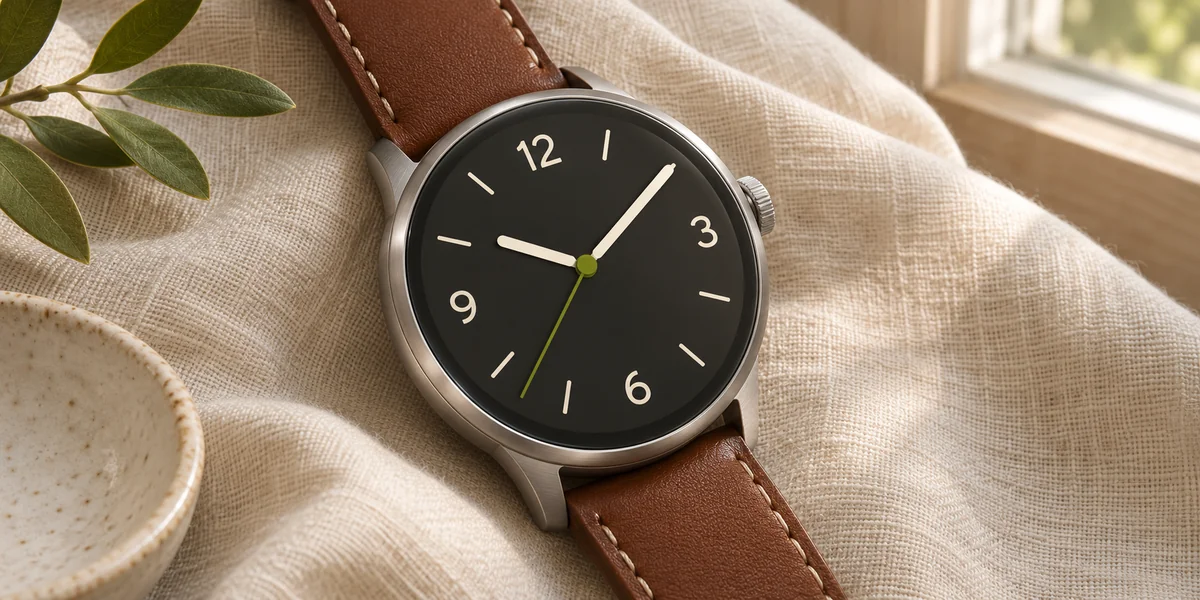
Article
Galaxy Watch faces: choose a readable daily layout
Choose a Galaxy Watch face around the information you check most. The available designs and customization options depend on the model and software.
Read the article -
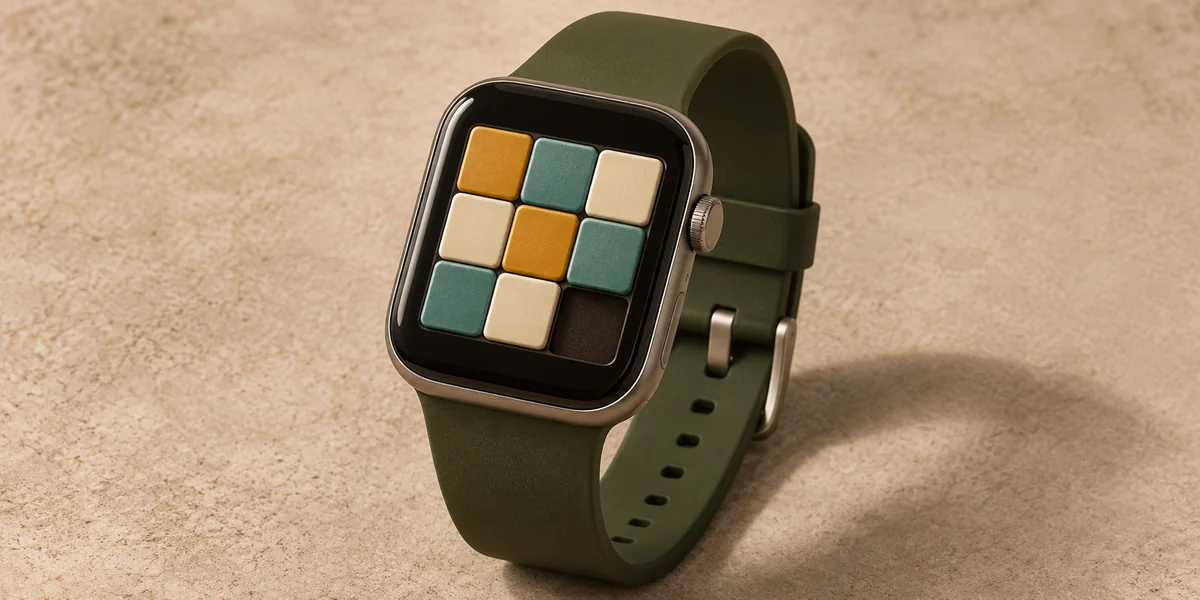
Article
Apple Watch games: small-screen strategy and interactive stories
Watch games work best when their controls and session length suit the wrist. Compare a compact strategy game with two interactive stories rather than expecting a phone-sized gaming experience.
Read the article -
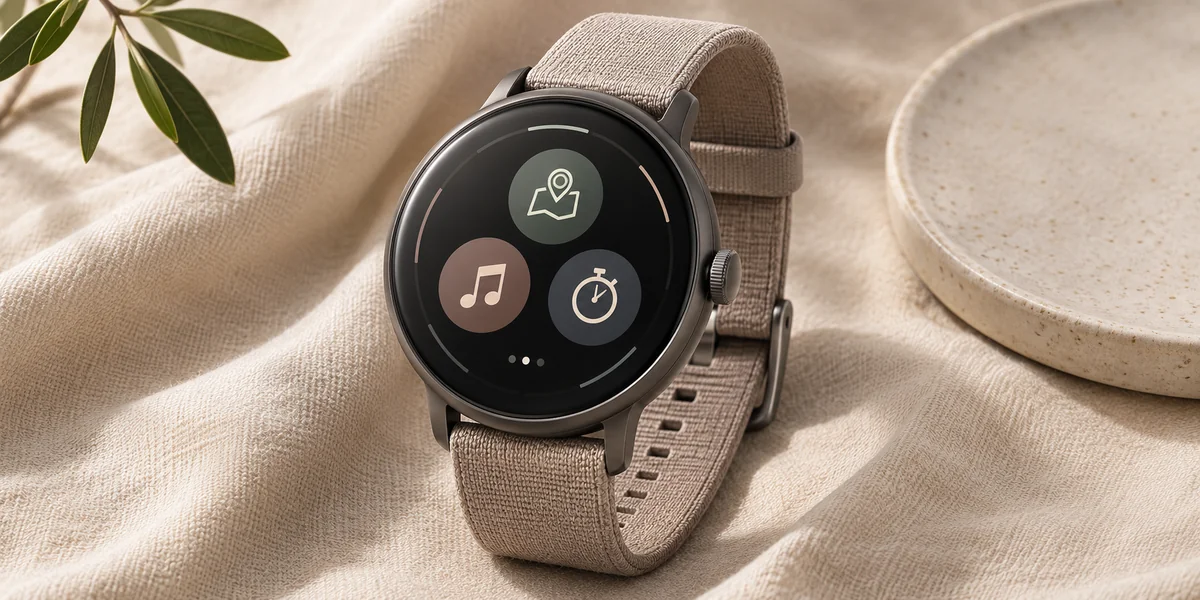
Article
Galaxy Watch apps: practical choices for Wear OS
On a Wear OS Galaxy Watch, start with the everyday tasks that benefit from wrist access. Older Tizen watches require a separate compatibility check.
Read the article -
Article
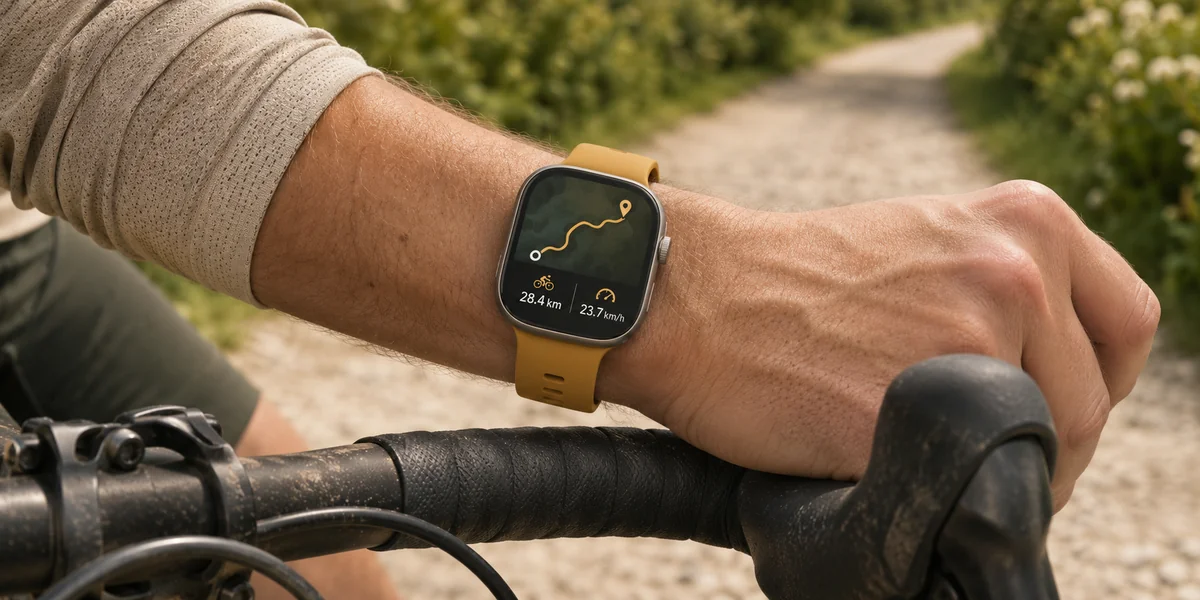
Four Apple Watch cycling apps: recording, routes and ride data
Apple Workout, Strava, WorkOutDoors and Cyclemeter offer different reasons to record from the wrist. Compare sensor support and route needs before choosing an app.
Read the article -
Article
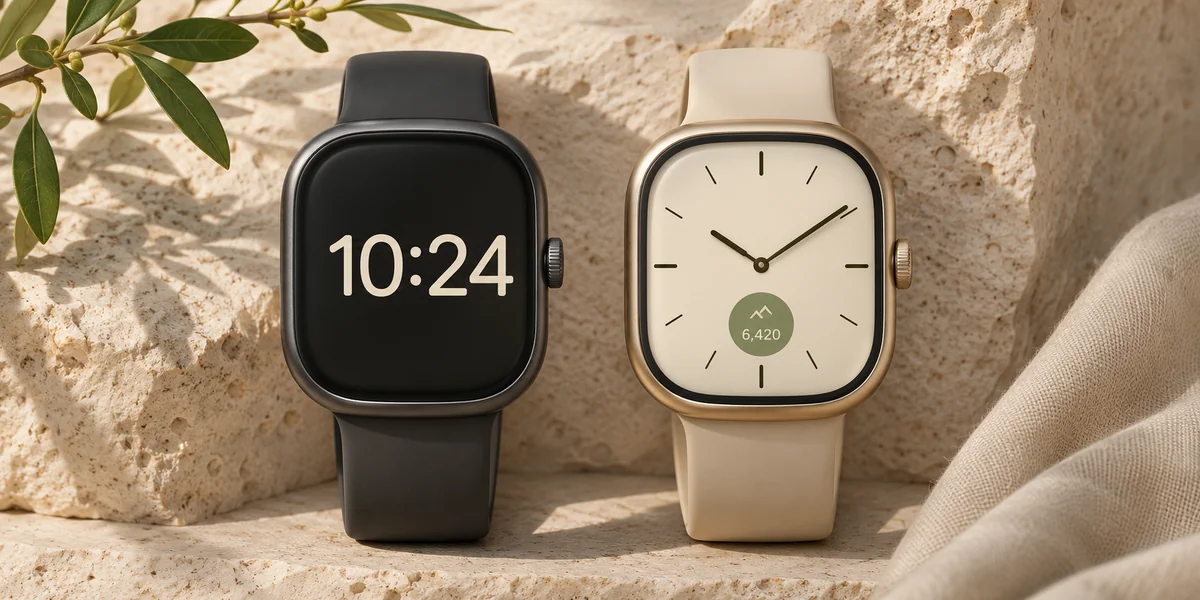
Apple Watch faces: five useful starting points
Apple’s built-in face gallery offers different balances of information and appearance. Choose a face for your routine, then check its available complications on your model.
Read the article
No matching guides.
Try a shorter phrase or a different collection, or reset to browse the full list.
Card images are AI-created concepts. Exact products appear in the buying guides.
BEFORE YOU CHOOSE
Make the details useful.
Check the platform
An Apple Watch app is not a Wear OS app. Even within one brand, older and newer watches can use different software. Confirm the watch generation, operating system and any companion-phone requirement before comparing features.
Check the ongoing commitment
A download may be free while the feature you want requires payment. Review subscriptions, trial renewals, permissions and whether the app works without a phone. Choose a manageable set of tools instead of duplicating the same activity in several services.
USEFUL DETAILS
Common questions.
Where are the Apple Watch app guides?
Start with the Apple Watch apps overview, then choose a task-specific article below.
Are Galaxy Watch and Wear OS interchangeable terms?
No. Check your model and operating system. Older Galaxy watches can use a different platform.
Is a watch face the same as an app?
A face controls the main time display. It may show app information through complications, but support varies.
Can an app replace a medical assessment?
These articles discuss consumer app features. They do not establish clinical accuracy or provide a diagnosis.
Do all apps work without a phone?
No. Installation, live data, account setup or some activities may still depend on a phone or network connection.
Are the featured illustrations app screenshots?
No. They are labeled concept artwork. Consult the developer’s current listing for the actual interface.