
Calls within the Garmin family setup
Epik Watch / The considered collection
Five wrist-worn communication options for families. Compare approved contacts, calling features, coverage and recurring costs before deciding whether a phone watch fits your routine.
AI-created concept artwork. Exact products are shown in the retailer images below.
The shortlist
5 options, with the differences that matter before you buy.
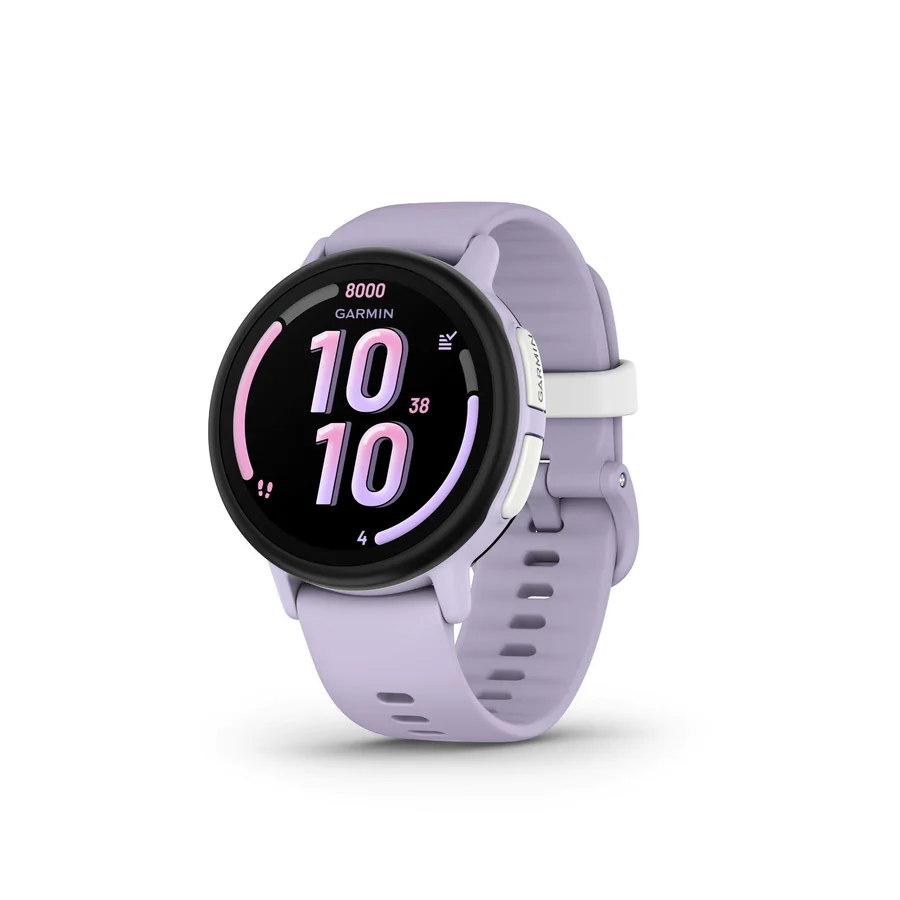
Calls within the Garmin family setup
App-based family communication
A simpler contact-focused phone watch
Voice and video communication
An eSIM phone-watch alternative
Prices and availability can change. These are the selected offers checked on November 9, 2026. Taxes and shipping may apply. Numbering is for navigation, not a tested performance ranking.
A useful starting point
Choose the use case closest to yours, then read the limitations before making a shortlist.
Calls within the Garmin family setup
For phone-watch use, Bounce 2 is about the complete calling workflow rather than GPS alone. Check who can contact the wearer, which app caregivers need and what the LTE plan includes. Test calls in familiar places after setup. A watch that is comfortable to wear still needs an easy charging routine to remain useful.
Why consider itCalling and parent management in one ecosystem.
Keep in mindAn active service and compatible caregiver setup are required.
Seller at check: Heart Rate Monitors USA. Item price in USD, before tax and delivery. Verify the exact model, condition, seller warranty and final total. Checked November 20, 2026.
App-based family communication
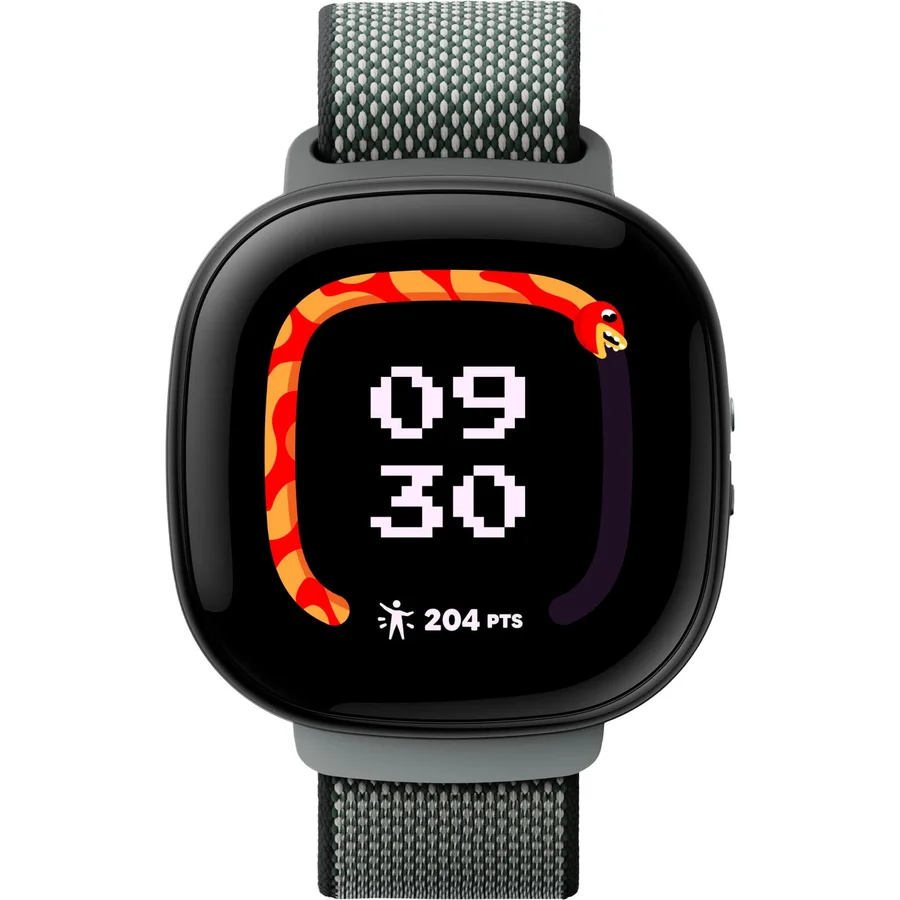
Ace LTE is a candidate for families comfortable using the Fitbit Ace app to manage communication. Its service enables the connection without giving the child an ordinary smartphone. Confirm contact rules and current plan terms before buying. The activity and game features are separate considerations from whether calling works where the family needs it.
Why consider itCommunication designed around an adult-managed app.
Keep in mindSubscription and platform requirements are part of the cost.
Seller at check: raish trading. Item price in USD, before tax and delivery. Verify the exact model, condition, seller warranty and final total. Checked November 20, 2026.
A simpler contact-focused phone watch
Gabb is the restricted, contact-focused alternative in this group. Compare the current calling and messaging arrangement with the more feature-heavy watches rather than assuming they all behave like a phone. Set up approved contacts and school-time controls before handing it over. Read the plan term and cancellation conditions carefully.
Why consider itA focused set of family communication tools.
Keep in mindDedicated service terms can limit flexibility.
Seller at check: Gabb Wireless. Item price in USD, before tax and delivery. Verify the exact model, condition, seller warranty and final total. Checked November 20, 2026.
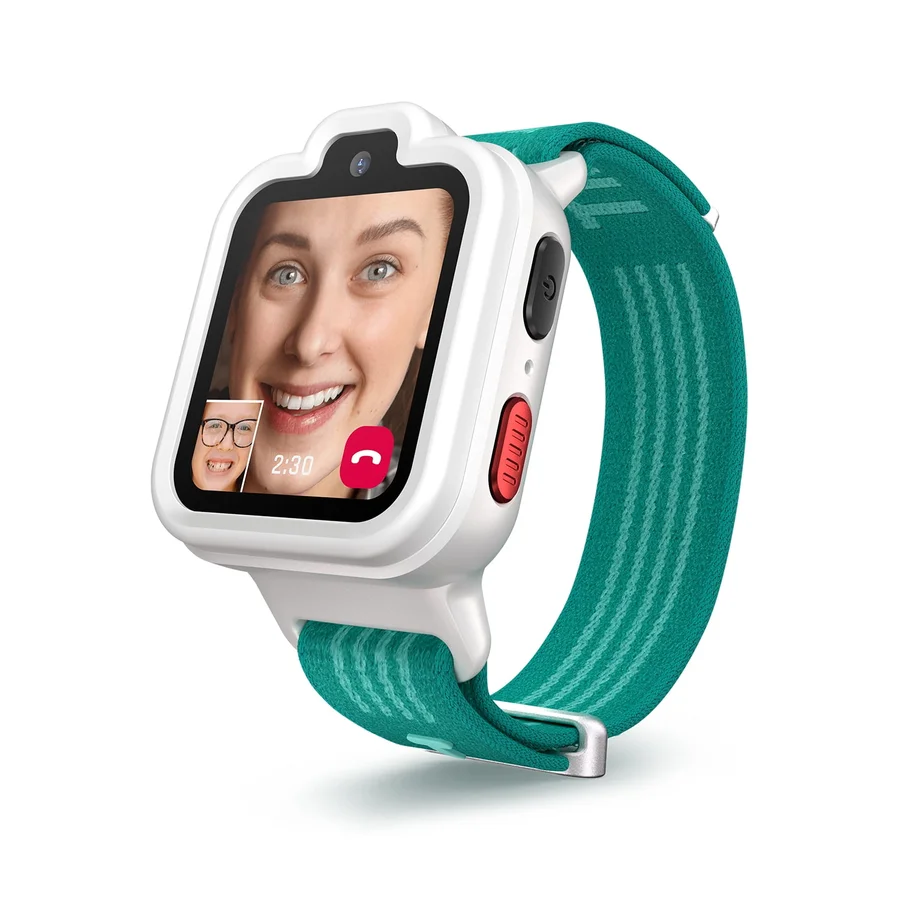
Voice and video communication
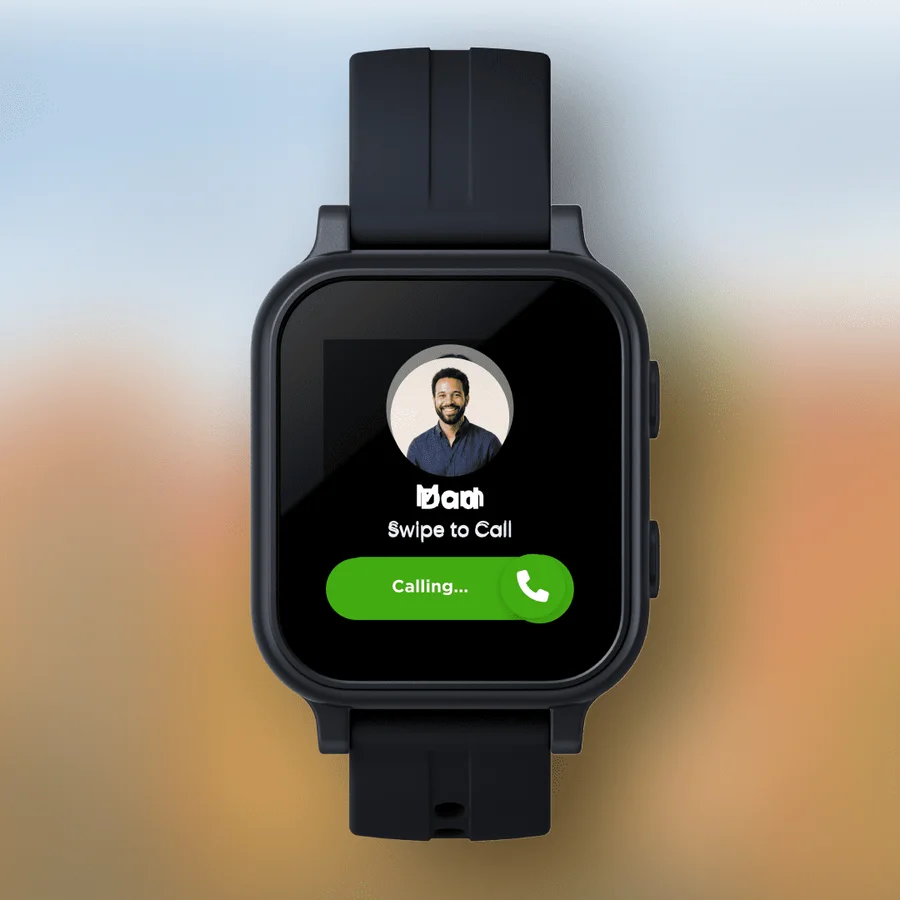
TickTalk 6 adds video communication to the comparison. The manufacturer describes approved contacts and parent-app location access when connected. Check the selected service, contact-app requirements and battery expectations for video use. More communication features are useful only if the child can operate them comfortably and the family is prepared to manage the account.
Why consider itVoice and video options within a parent-managed system.
Keep in mindVideo use and a broader feature set add battery and setup demands.
Seller at check: TickTalk Tech LLC. Item price in USD, before tax and delivery. Verify the exact model, condition, seller warranty and final total. Checked November 20, 2026.
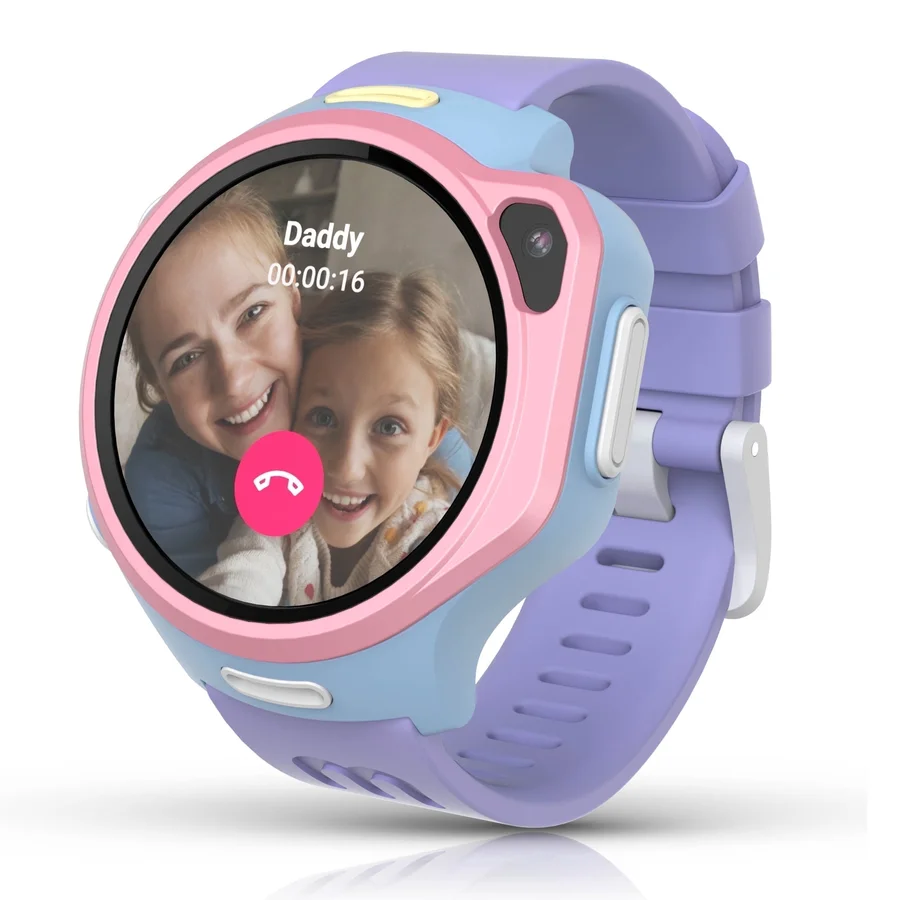
An eSIM phone-watch alternative
Fone R2 offers an eSIM-based alternative with calling features in a child-sized watch. The North America version matters because service and activation are regional. Confirm the current myFirst subscription and whether any network changes are supported. Compare the complete plan and contact workflow, not just the device color or camera feature.
Why consider itAn alternative communication platform with eSIM setup.
Keep in mindRegional service and activation requirements need confirmation.
Seller at check: Walmart.com. Item price in USD, before tax and delivery. Verify the exact model, condition, seller warranty and final total. Checked November 20, 2026.
Before you decide
Voice calls, app messages and video calls are different features. Check whether contacts need a particular app and which functions are included with the selected plan.
Activate the service, add approved contacts and test calling in familiar places. Review account recovery, privacy settings and the process for a lost device.
Agree when the child should call and what to do if a call fails. School rules, charging and coverage can all affect whether the watch is useful at a particular moment.
Research you can follow
We compared the specified models, current retailer offers and relevant manufacturer information. We looked at the use case, exact variant, seller, condition and the practical trade-offs described above.
We have not worn, tested or measured these products. Battery figures and specifications are published claims, not our own results. We do not assign laboratory-style scores to research-based assessments.
Listings can contain errors. Where the model details conflict, or the exact option is unavailable, we explain the issue and withhold a purchase recommendation. Check the final offer and seller warranty before ordering.
The questions worth asking
Usually not. These devices use restricted apps and communication systems designed around a parent account. Check the actual functions rather than assuming ordinary smartphone messaging or app installation. See TickTalk's model and wireless-plan FAQ.
Connected services generally require an active plan, with monthly or annual options depending on the provider. Check current charges, activation fees and cancellation terms before purchase. See myFirst's R2 specifications and service details.
No. Voice, video and messaging support differ. Confirm the exact watch, contact-app requirements and plan before choosing a device mainly for video communication.
Do not assume an SOS label means a direct call to emergency services. Read what the button actually does, which contacts it alerts and the connectivity it needs.
Setup generally relies on an adult-managed account or companion app. Confirm phone compatibility and account requirements before ordering, especially if more than one caregiver needs access.
Add the device, activation, a realistic period of service and any required accessories. Compare like-for-like plan terms rather than a promotional hardware price alone.
Keep exploring
Your next step
Compare the exact model, fit, seller and return terms. A good shortlist should make the final checks easier.
Return to the comparison